TechGainer
  • Tools
  • Apps
  • Facebook
  • Google
    • Android
    • Chrome
  • iOS
  • Linux
  • Microsoft
    • Windows
  • Mozilla
    • Firefox
  • Web
Select Page
Always Run Google Chrome in Incognito (Private) Mode by Default

Always Run Google Chrome in Incognito (Private) Mode by Default

by Jaber Al Nahian | 8 Aug, 2014 | Chrome

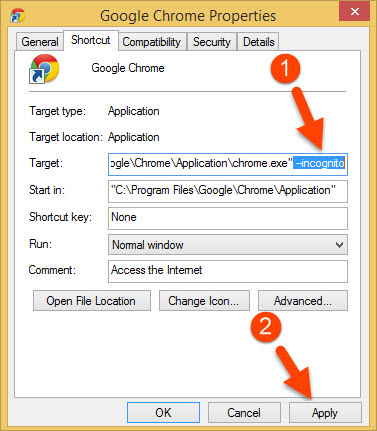
Incognito mode in Google’s Chrome browser is a mode with which you can browse the web privately. When we use Chrome normally, many of our browsing data are stored locally as well as synced with Google account (if sync is turned on). Now that in some situations...
Change Chrome for Android User Agent String to Pretend to be Another Browser or OS to Any Website

Change Chrome for Android User Agent String to Pretend to be Another Browser or OS to Any Website

by Jaber Al Nahian | 16 Jul, 2014 | Android, Browsers, Web

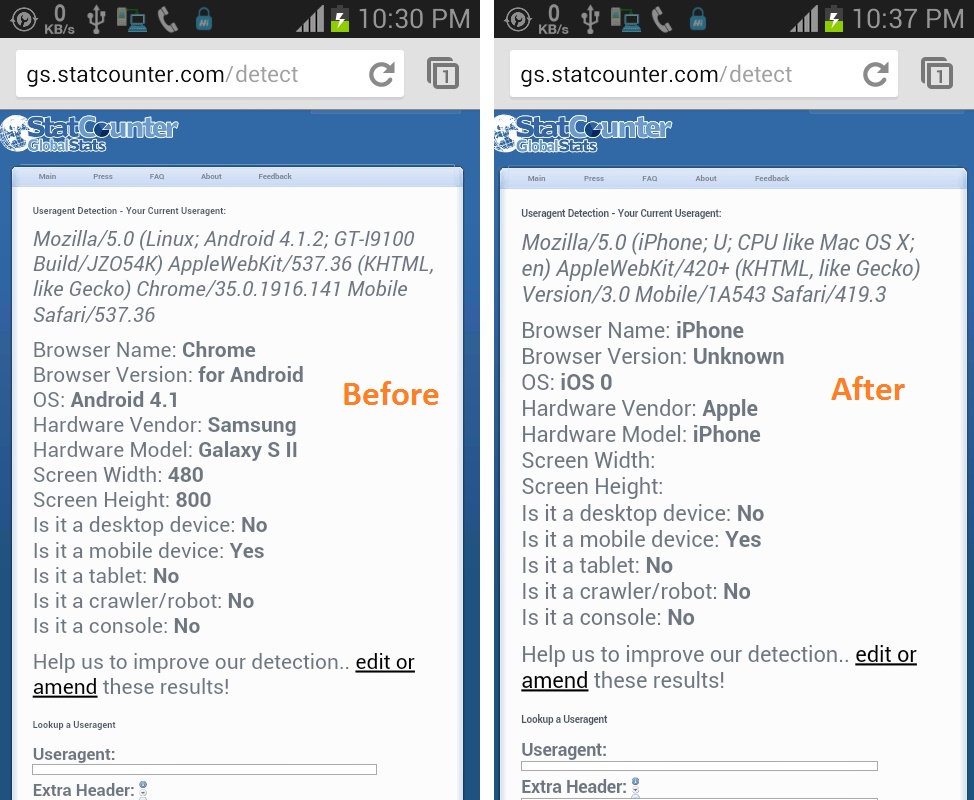
User Agent String is a little but very important information served by every Web Browser to tell a website which browser or Platform it is. That’s why when you visit Facebook.com from your smartphone browser instead of desktop, Facebook loads its mobile layout...
How to Get Android Notifications on Your Desktop Using Chrome or Firefox (Remotely)

How to Get Android Notifications on Your Desktop Using Chrome or Firefox (Remotely)

by Jaber Al Nahian | 5 Jul, 2014 | Android, Browsers

Do you know that you can receive your android notifications on your desktop PC using Google Chrome or Firefox browser? This is very useful because you can see your phone’s notifications on your PC, you currently sitting in front of, without pulling your phone...
How to Install Google Chrome to a Custom Location on PC

How to Install Google Chrome to a Custom Location on PC

by Jaber Al Nahian | 1 Apr, 2014 | Chrome, Windows

Normally Google Chrome cannot be installed on different drive or directory as it installs itself on a default location, no matter you downloaded a web installer or full standalone installer! But it may happen that you need to install Chrome on a different location...
Add URL Shortener in Google Chrome’s Right Click Menu

Add URL Shortener in Google Chrome’s Right Click Menu

by Jaber Al Nahian | 29 Mar, 2014 | Chrome, Web

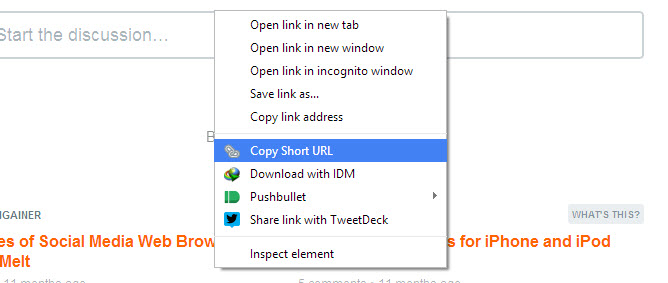
When you are visiting a webpage, found something interesting somewhere that worth share or you need to share a link with someone, you may need to shorten the URL of that link if the link is long. To do so, in most cases you have to visit a URL shortener service and...

« Previous123Next »

Smartwatch OS Comparison:

  • Android Wear vs watchOS vs Tizen OS

Recent Posts :

  • How to Disable “Quick Access” Section in Google Drive Web and Mobile App
  • Automatically Backup APK Files while Installing Apps from Play Store
  • WhatsApp Message ‘Sent’, ‘Delivered’ and ‘Read’ Status Identification using Indicators and Tick Marks
  • Find Out the Sleeping Schedule of Someone using “Sleeping Time”
  • How to Find the IMEI Number of a Lost or Stolen Android Phone
  • 10+ Proven Tips to Make Google Chrome Super Fast on Desktop
  • How to Use Pushbullet in Ubuntu and Linux Mint using Pushbullet Indicator

SmartwatchSpex

  • All Smartwatch Specifications | SmartwatchSpex
  • Amazfit Pace vs Amazfit Pace 2 vs Amazfit Bip Smartwatch Comparisons
  • Ticwatch 2 vs Amazfit Smartwatch
  • Ticwatch Pro vs Ticwatch 2 vs E vs S Smartwatch Comparisons
  • Facebook
  • Twitter
  • Google